
How do you effectively organize information with ADHD? Here are the systems I use to keep my life organized!
How many of you have trouble organizing large amounts of information?
This could be the day-to-day things like appointments, to-do lists, or other important reminders. And when you have ADHD, you can’t just remember every single thing. Information overload is real.
I actually have different ways of organizing all of my information. Some are pen and paper, some are digital. But they all help me stay on track.
The following examples may not work for you, but it’s the best way for me to keep my everyday life in order. Check these out anyway and see if you can find a nugget of good info!
Monthly planner
One of the classic “helpful” tips people give us ADHD people is, “Just get yourself a planner!”
Listen. If just having a planner made us more organized, life would be so much easier. But unfortunately, ADHD doesn’t work that way!
Planners can definitely help keep us organized. But we need to find something that actually interests us, so that we’ll actually USE it.
I’ve tried buying yearly planners, thinking that I love the design and will totally use it all year. But then 3 months into the year, I get bored with it and get a new planner.
Thankfully, monthly planners do exist! And companies have started monthly subscriptions where you can get a new planner every month. They are more expensive, but worth the cost if you actually use it.
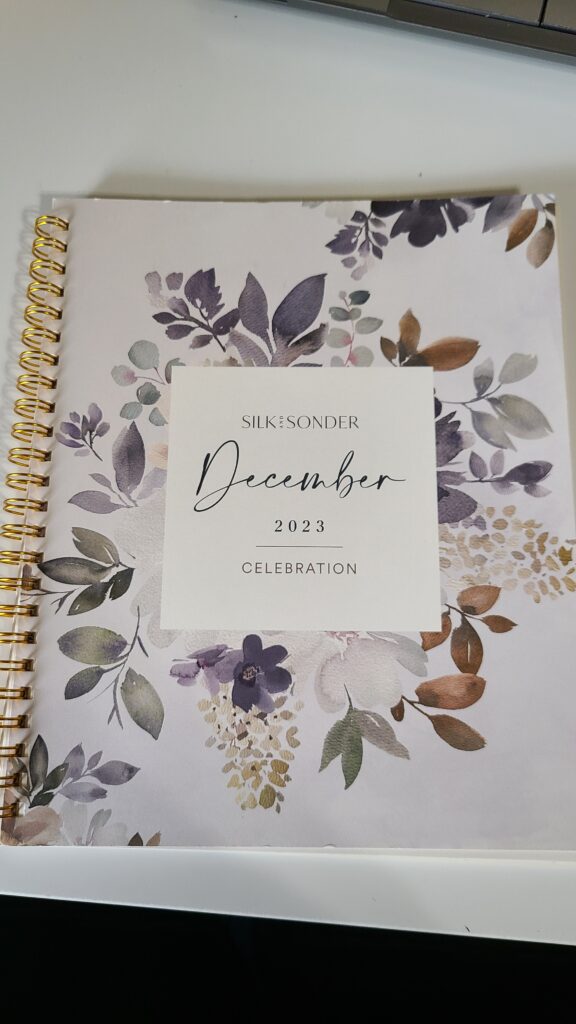
I got started with Silk and Sonder in April 2023, and I’ve LOVED it. It’s a combined bullet journal/planner, so I can decorate and write in it however I want. It helps me keep track of my work tasks, as well as the healthy habits I want to continue.
Apps
Where would we be without our smart phones? If you can think of it, there’s an app for it. With the thousands of apps out there, it’s easy to get overwhelmed.
I’m all for simplicity, so I only use a few apps to keep myself organized. Here are some of my favorites:
Trello
Trello is an organizational app used mostly for businesses, but I use it for both business and personal stuff.
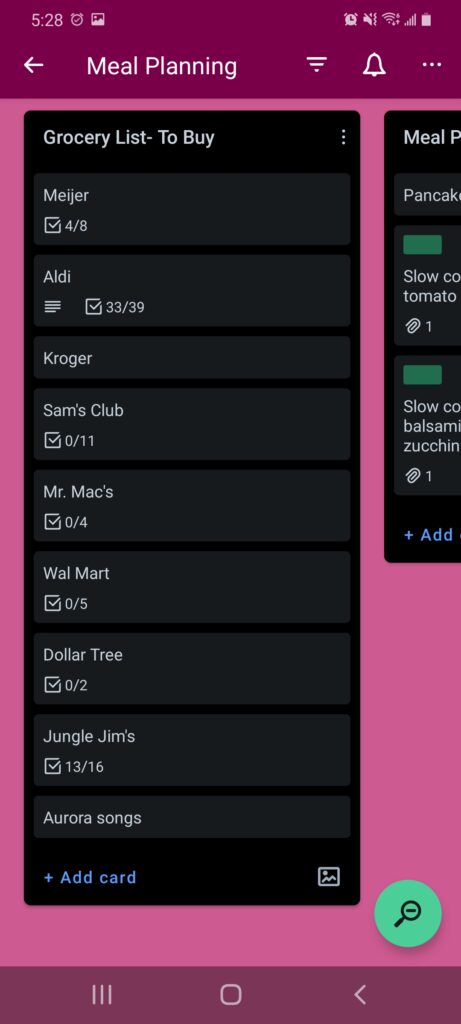
You organize your info into “Boards”, so think of it like a corkboard. And your boards can be broken down into “Lists”, which is like a Post-it or index cards on a board. And inside the Lists are “Cards”, which is the info on the Post-it.
For the personal side, I use Trello for meal planning. One List has all the stores I shop at, with each store having a checklist for my grocery items. It’s easy to just check each item off my list as I go along in the grocery store.
I also have some Lists for this week’s meal plan, as well as next week’s for when I do my planning. And I have a few Lists that contain recipes to choose from, although I don’t keep up with that as much as I used to.
If you like the idea of a big board to store info but hate the paper clutter, give Trello a try. It’s free!
ToDoist
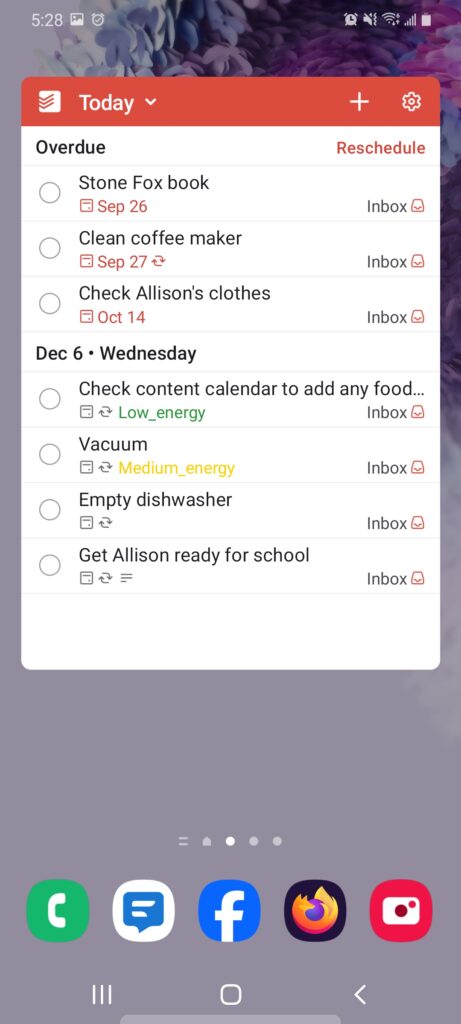
There are tasks that need to get done every week. Cleaning the bathrooms, vacuuming, etc. Those usually get done on certain days of the week, but I never remember to actually put them in my planner each week.
That’s where ToDoist comes in! This is a “to-do list” app that can be set for re-occuring tasks. So if you do laundry every Monday and Thursday, you can set the app to have that task pop up every Monday and Thursday. When you check it off your list, it’ll reappear the next day it’s scheduled to.
This does mean I have two places where I keep to-do lists: My planner and this app. But you can add a widget to your phone to where your list appears on the home page, so that’s convenient.
I’ve trained myself to check both every day, so it works for me!
Simple Time Tracker
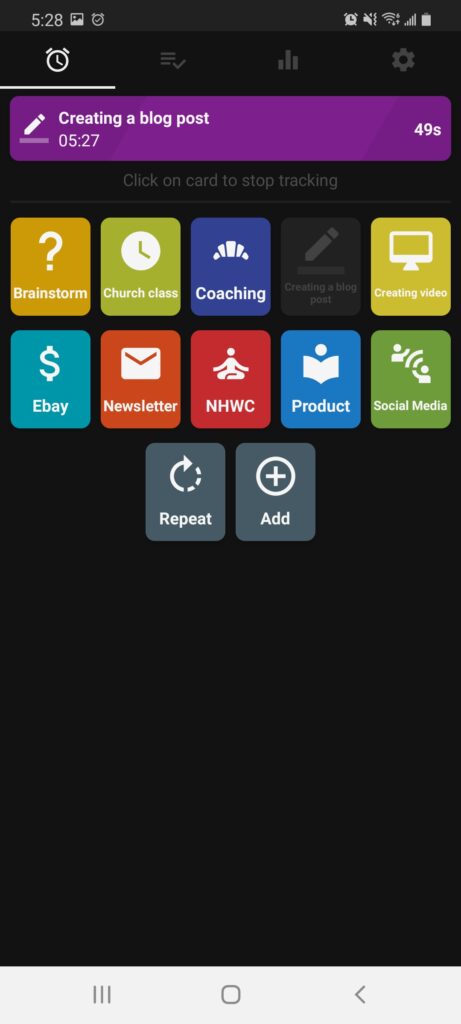
I like to see how much time I spend on different tasks throughout the day. As a business owner, it’s easy to lose track of time and not be productive at all!
The Simple Time Tracker app lets me create different categories to track. Here are the ones I use often:
- Brainstorm
- Creating video
- Creating blog posts
- Social media
- Products
I only use it for business-related tasks, but you could use it for other things like cleaning your house to see how much time it actually takes you.
Google Calendar
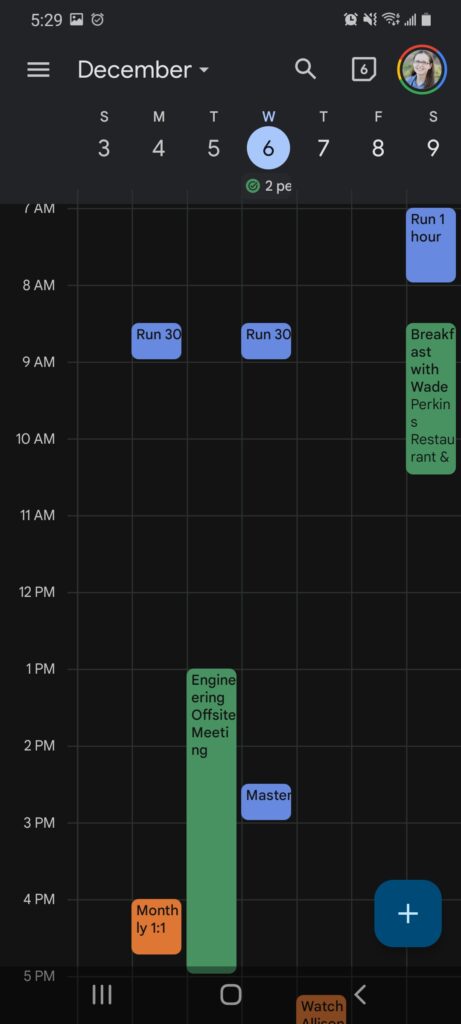
For all of my appointments and activities, I use Google Calendar. It’s synced up with my husband, so we can see each other’s schedules at any given time and know when an event is coming up.
There are different colors for different sources, a visual way to organize ourselves. So I know that my events are purple, and my husband’s are green.
Post its
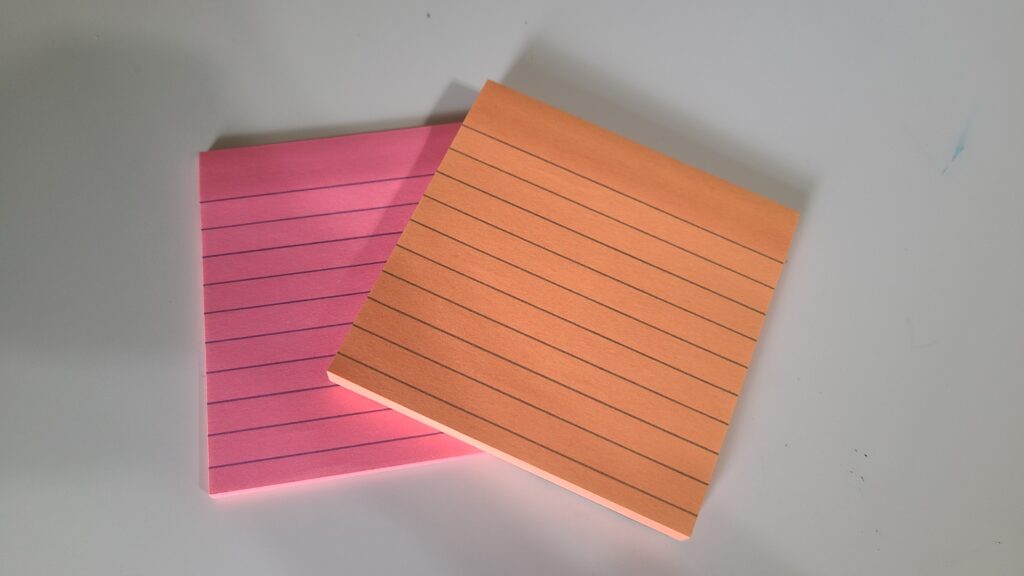
Honestly, Post-its are my best friend at times. I use my planner for to-do lists, but sometimes I need a to-do list WITHIN a to-do list.
For example: If I’m writing a blog post, there are multiple steps to getting that done. There’s the outline, the writing, the editing, the adding photos, and scheduling.
Sometimes I need to break that task down into those smaller steps so it doesn’t seem as overwhelming. And using a sticky note helps as visual aids!
Again, the most important thing is finding systems that work for you. Maybe you absolutely hate paper planners, and that’s fine! If you can find something you can stick to, that’s what matters.
I use these things every single day and it’s an effective method for keeping my life and brain organized. Every piece of information gets stored in one of these areas; and although sometimes it’s hard to keep track, it’s been pretty effective.
I hope you found some useful information here! Leave a comment and tell me: What do you use to keep your information organized? Give us more ideas!

Jaime is a Nutrition Coach and professional writer. She enjoys cooking easy meals, running, and learning more about food.
Jaime specializes in helping women with ADHD organize their home and brains in a way that’s do-able and not overwhelming.
Leave a Reply